
A Complete Guide by Avents Plus – Bahrain & Saudi Arabia
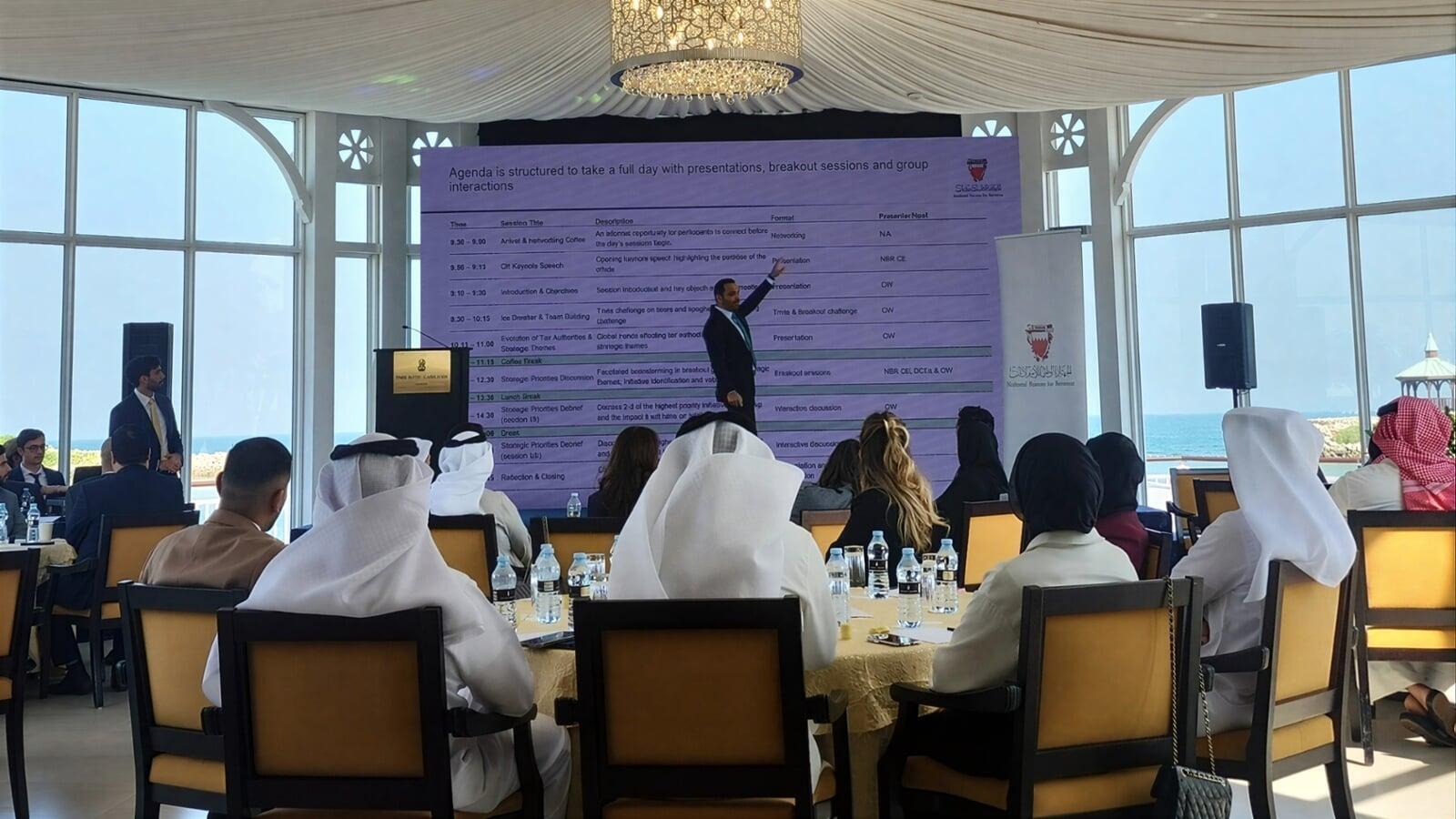
LED screens have become an essential part of modern events—from conferences and exhibitions to product launches and corporate meetings. They deliver bright, clear, high-impact visuals that outperform traditional TVs and projectors.
But choosing the right LED screen can be confusing, especially with terms like P2.6, P3, and P1.9. What do these numbers mean? Which one is best for your event?
In this guide, Avents Plus makes it easy to understand LED screen choices so you can select the perfect setup for your venue, audience size, and event goals.
What Does “P” Mean in LED Screens?
The “P” stands for pixel pitch, which is simply:
The distance between two pixels measured in millimeters.
Smaller pixel pitch = sharper image
Larger pixel pitch = less resolution, but acceptable for longer viewing distances
Examples:
- P1.9 → 1.9mm between pixels → Ultra-sharp
- P2.6 → 2.6mm between pixels → Very sharp for conferences
- P3.0 → 3.0mm between pixels → Ideal when the audience is further away
Recommended Viewing Distance for Each Pixel Pitch
- P1.9 – Ideal minimum viewing distance: 2 meters or more
- P2.6 – Ideal minimum viewing distance: 3 meters or more
- P3.0 – Ideal minimum viewing distance: 4 meters or more
Quick rule of thumb:
Every 1mm = 1 meter minimum viewing distance.
P1.9 vs P2.6 vs P3 — Which One Should You Choose?
P1.9 (Premium Choice)
- Extremely sharp and crisp
- Perfect for high-resolution graphics and close viewing
- Ideal for boardrooms, luxury conferences, TV studios, and indoor ceremonies
P2.6 (Most Popular for Events)
- Great balance of clarity and cost
- Suitable for conference halls, hotels, exhibition booths
- Works perfectly for PowerPoints, videos, branding, and live feeds
P3.0 (Best for Medium to Large Events)
- Visible from far distances
- Very good for general presentations and large gatherings
- Suitable for semi-bright areas or open halls
Indoor vs Outdoor LED Screens — What’s the Difference?
Outdoor LED Screens:
- - Much brighter (to compete with sunlight)
- - Weather-resistant
- - Usually P3, P4, or P5
Indoor LED Screens:
- - Lower brightness
- - Higher resolution
- - P1.9, P2.6, and P3 are common
How Big Should Your LED Screen Be?
Common indoor sizes include:
- 3m × 2m
- 4m × 2.5m
- 5m × 3m
For replacing an 85-inch TV, a 2m × 1m LED screen is the closest match.
When Should You Use LED Instead of TV or Projector?
Choose LED when you need:
- A large, bright display
- No reflection
- Custom screen size
- Seamless visuals
- Professional event presence
How Avents Plus Helps You Choose the Perfect LED Screen
Avents Plus provides:
- High-quality P1.9, P2.6, and P3 indoor LED screens
- Outdoor LED screens for any weather
- Full setup, operation, and onsite technical support
- Video processors, controllers, and content management
- Stage, sound, lighting, and AV solutions
Conclusion
Choosing the right LED screen is simple:
- Close audience → choose P1.9
- General events → P2.6 is perfect
- Larger distances → P3 works well
Avents Plus is here to support your event with the right LED display solution.
Contact Us:
hello@aventsplus.com
BH: +973 33363637
KSA: +966 558765896
UAE: +971 585443432